

Google Pay
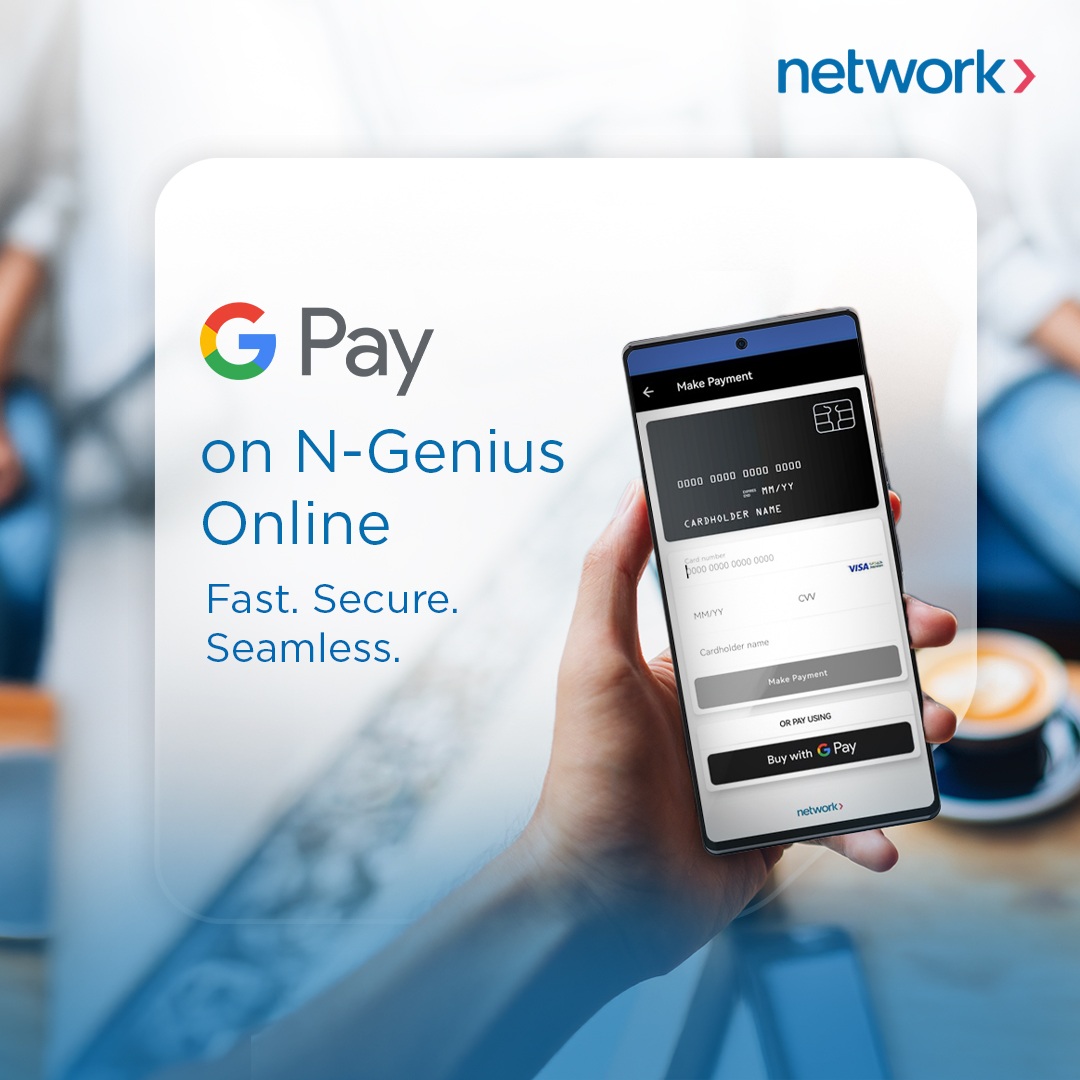
Offer Google Pay as a payment option on N-Genius Online so your customers can pay with the cards saved in their Google account. This page explains how a Google Pay payment works and how to enable it.
Google Pay is available across the integration methods that N-Genius supports. Customers can use it to pay online or in-store with their phones.
How it works
A Google Pay payment follows these steps:
- The customer places an order on your website.
- Your website registers the order with the N-Genius payment gateway. The gateway returns a unique order number and a payment page URL.
- Your website redirects the customer to an N-Genius payment page (hosted or embedded). The customer selects Google Pay and confirms the order.
- After successful authentication, N-Genius requests masked card details from Google Pay. The customer selects a card.
- N-Genius requests the encrypted card details from Google Pay and decrypts them for processing.
- The payment gateway starts authorisation through the Network International processing system.
- N-Genius redirects the customer back to your website, which displays the payment status.
Integrate Google Pay
Follow the Google Pay integration guide for developer instructions.
Enable Google Pay
To enable Google Pay, contact your account team or email [email protected].
Updated 3 days ago
Did this page help you?